Native macOS utility
Vibesomnia
Vibesomnia is a native macOS keep-awake utility I built to keep my docked MacBook running while I code from my phone with ChatGPT, Claude Code, desktop AI apps, and BrowserAI DUO. It supports closed-lid work and tasks started before bed, with explicit session controls. The public project is an experimental alpha.
Explore the source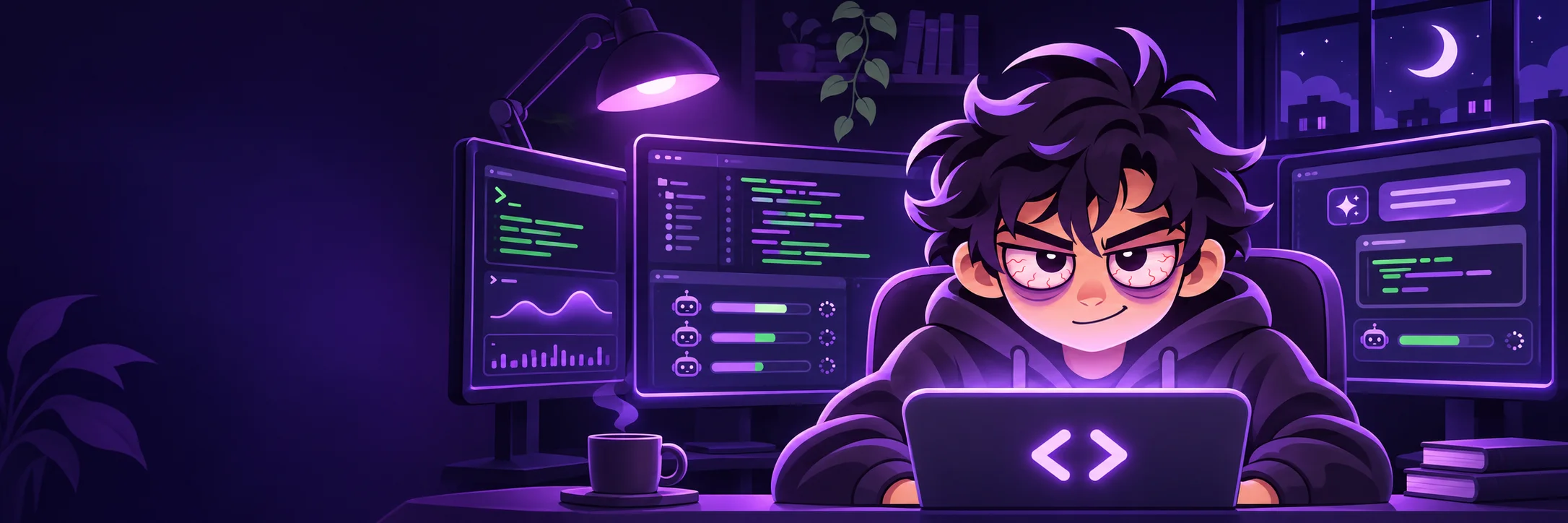
By Angelo De Leon · Updated
Why I needed my docked MacBook to stay awake
I keep my MacBook docked a lot. Away from home, I use my phone to continue coding with ChatGPT, Claude Code, and desktop AI apps on that Mac, and to direct BrowserAI DUO through agentic browser work. If the machine sat idle long enough, it would sleep, interrupt the work, and leave me with a timed-out Claude Code session.
I built Vibesomnia so I could close the lid and keep working from my phone while doing other things. It also lets me start tasks before bed and keep idle sleep from stopping them mid-run. Manual, timed, and app-aware sessions make wakefulness an explicit choice; display sleep stays independent.
Native controls and a separate power guard
Swift and SwiftUI provide the application, dashboard, and menu bar controls. Ordinary sessions use IOKit power assertions. Optional closed-lid sessions add a bundled administrator-authorized helper, VibesomniaPowerGuard, without requiring Amphetamine.
The guard records ownership before changing the system sleep override, then monitors process identity and a heartbeat lease. Normal stop, app exit, or lease expiry triggers restoration. Explicit recovery handles a remaining ownership record if the guard itself fails. Closed-lid mode disables system sleep, including manual sleep requests, until the session ends.
Phone-directed work and existing remote tools
My existing remote-access tools connect the phone to the Mac; ChatGPT, Claude, and BrowserAI DUO handle the coding and browser tasks. Vibesomnia keeps the host awake underneath them. It does not provide remote desktop or guarantee task completion, agent progress, or an uninterrupted network connection.
A same-user CLI also exposes session controls through an existing SSH connection while the app runs in the logged-in graphical session. Closed-lid activation requires administrator interaction on the Mac. Optional reviewed local scripts can run on session start or end; they execute as the user, and edits invalidate approval.
Alpha scope and remaining validation
The repository includes source, tests, a universal DMG installer workflow, and a hardware acceptance checklist. It targets macOS 14 or later on Apple silicon and Intel. The alpha app is ad-hoc signed; the installer is unsigned and not notarized.
The documented local checks cover activation, normal stop, and restoration after simulated app exit. Physical lid-close and reopen cycles, charger transitions, remote reconnection, and clean-Mac installation remain acceptance work. This is a public alpha with inspectable implementation and limits, rather than a completed Amphetamine replacement.
Project questions
Does Vibesomnia require Amphetamine?
No. The current alpha uses native power assertions and its own bundled, administrator-authorized closed-lid guard.
Can Vibesomnia control my AI agents remotely?
Its CLI controls keep-awake sessions over an existing same-user SSH connection. Interacting with agent windows or terminal sessions still requires your existing remote tools.
Related writing and services
- Read why I built Vibesomnia
- Closed-lid ownership and recovery design
- Validation notes and hardware acceptance checklist
I’m based in San Francisco and work with teams remotely. Tell me about your project, or review my engineering experience.
This case study describes the project and its tradeoffs as reviewed onNovember 7, 2026. The public repository is the source for current implementation details, requirements, and validation notes. The image above comes from the project’s GitHub repository.